FIXES → Workers can’t see the queue, or "Farm folder not found" during setup.
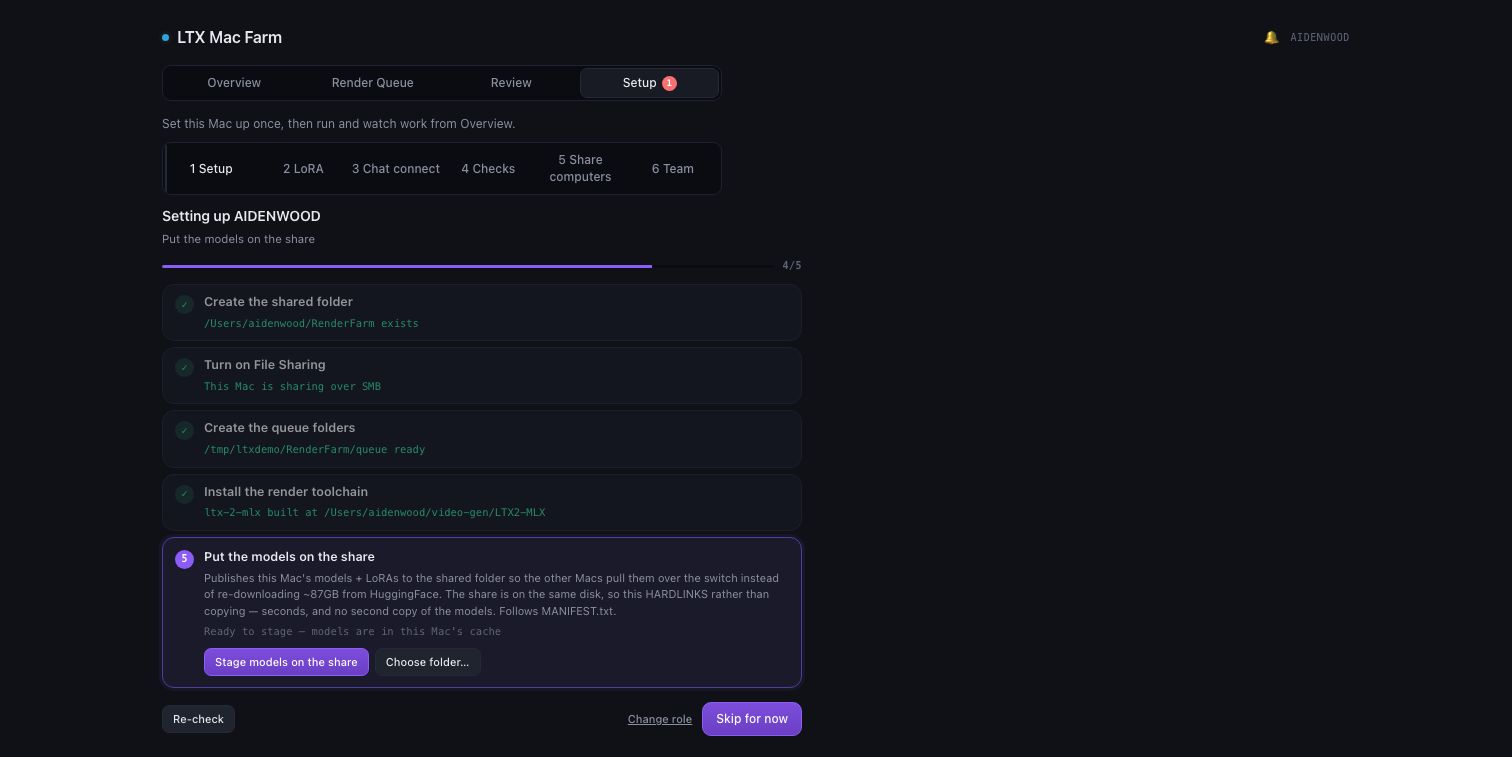
Captured from the real gateway on a demo farm
01 Pick one Mac to be the coordinator
It holds the shared folder every other Mac reads jobs from. It can also render — it’s just the one hosting the share. Make a folder called RenderFarm in your home folder.
on the coordinator
mkdir -p ~/RenderFarm
02 Turn on File Sharing
Open System Settings → General → Sharing and turn File Sharing on. Click the ⓘ next to File Sharing, then + under Shared Folders, and add ~/RenderFarm.
03 Write down the coordinator’s name
Find it under System Settings → General → About → Name (e.g. mac-studio). Every worker reaches the share as <name>.local — no IP addresses, no DNS server.
Done whenFile Sharing is on and RenderFarm is in the shared-folders list. The app’s Setup view checks this per Mac and shows the exact fix if it isn’t.