FIXES → "Apple could not verify…" blocking the scripts, or a Mac that shows online but never claims work.
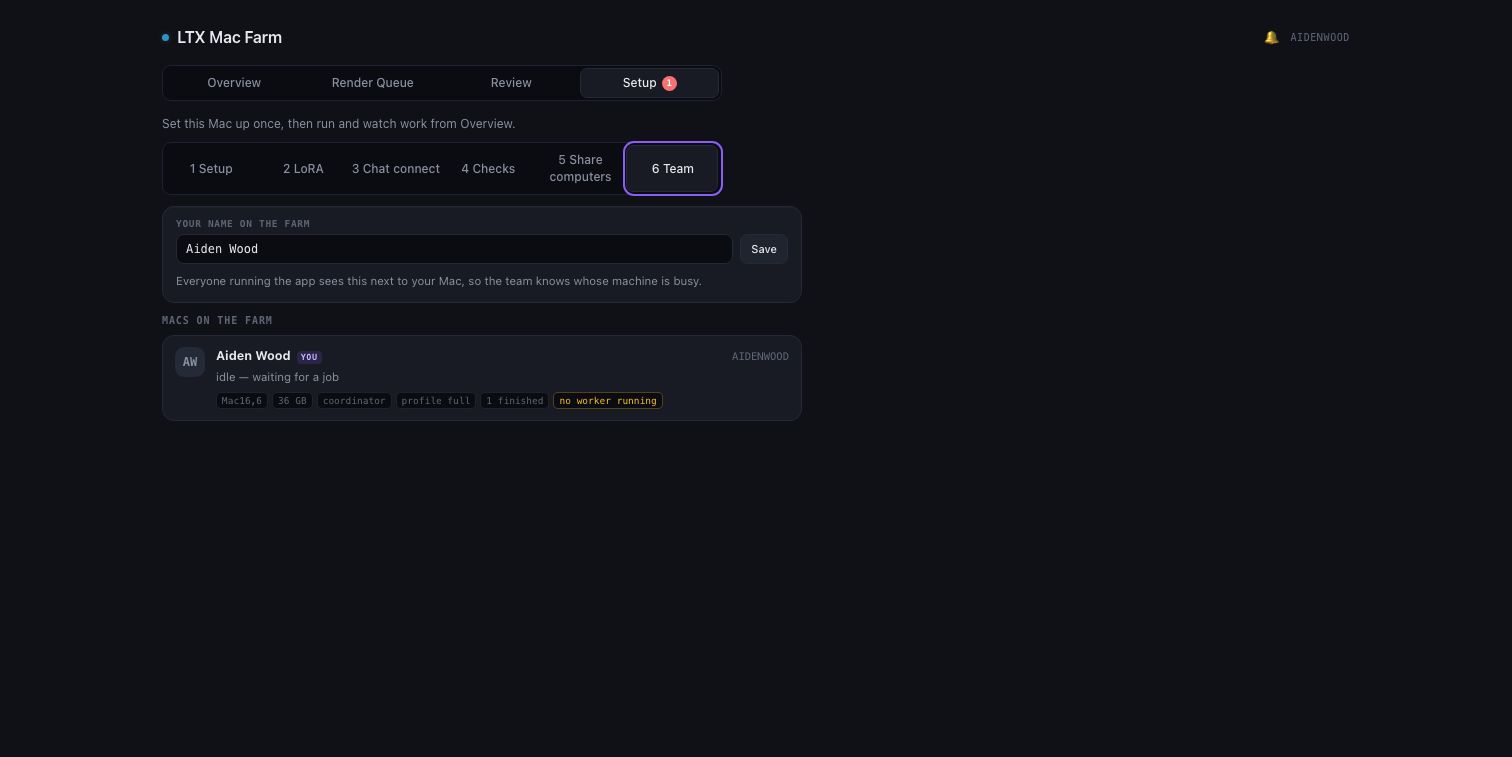
Captured from the real gateway on a demo farm
01 Install the toolchain
Installs Homebrew, uv, LTX2-MLX and mflux — mostly unattended.
on every render Mac
./setup.command
02 If Gatekeeper blocks it
macOS may say “can’t be opened / Apple could not verify…”. Open System Settings → Privacy & Security, scroll down, and click Open Anyway.
03 Join the farm
Starts the worker: it publishes this Mac to the Team view and begins claiming jobs. A Mac with the app open but no worker running gets flagged, so “online” never quietly means “idle”.
then
./start_worker.command
Done whenThe Mac appears in everyone’s Team view with a live worker, and picks up the next queued job.